Where do you spend most of your day?
Tracking only helps where it works. Start with your day, not the device.
At one desk, facing a screen
Almost anything works here
A camera app can see you while you face it; a back sensor and AirPods both work too. The question is whether you want the camera on all day, and whether you’ll also want reminders when you get up.
Moving between places
You need something you wear
Cameras stay behind when you leave the desk. A back sensor or AirPods come with you. If you already wear AirPods on the train, in the kitchen and on calls, they’re the tracker you’re already carrying.
Which AirPods work with POISMostly on my phone
Head position is what matters
Phone use pulls the head down more than the back. Earbud sensors follow head orientation directly. Note that POIS deliberately stays quiet while you’re actively using your phone; it’s for the drift that builds up around it.
I use Android
A back sensor or a camera
AirPods-based apps need an iPhone. Back-mounted trainers such as UPRIGHT GO 2 have Android apps, and camera-based apps exist on most platforms.
UPRIGHT GO 2 alternativesWhat each method can see
| Back sensor | Camera app | AirPods | |
|---|---|---|---|
| What it sees | Your upper back, where it’s attached | Your silhouette from the front, while you’re in frame | Your head orientation |
| Where it works | Anywhere, while worn and charged | Only at the screen with the camera | Anywhere, while the earbuds are in |
| What it misses | Your head | Everything once you stand up or turn away | Your back and shoulders |
| Extra gear | A dedicated device, adhesive or necklace | None, but the camera must be on | None, if you own compatible AirPods |
| Privacy | Motion data only | Live camera images (many apps process them on-device) | Motion data only; with POIS, processed on your iPhone |
| Feedback | Vibration | Screen alerts, sometimes dimming or blurring | Sound in your ears (with POIS: one quiet sound) |
Back rounds, head stays level. A sensor on the upper back is placed to notice this. Head orientation barely changes, so earbuds may not.
Back stays tall, head tilts down. Earbud motion sensors notice this. A sensor on the upper back isn’t positioned to sense it directly.
The trade-off nobody mentions: coverage
Accuracy gets the attention, but coverage matters more in daily life. A tracker that’s perfectly precise at your desk tells you nothing on the sofa with your phone, in a meeting with a laptop, or on the walk home. Ask of any method: how many of my hours does it actually see?
That’s where earbuds have an unusual advantage. Many people already wear them for hours: for music, calls and focus. A method that rides on something you’d be wearing anyway covers more of your day with less effort than one that needs remembering, charging and attaching.
What POIS does with your AirPods
Comes with you
Sitting, standing or walking. If your AirPods are in, POIS can keep watch.
No camera, ever
It uses motion data from your earbuds, processed on your iPhone and never uploaded.
Your own reference
It compares your head with your natural position, set in a few seconds, not an ideal posture.
One quiet sound
When your head stays down, you hear it. Glances pass in silence.
Tracking that disappears
Set your position, lock your phone, carry on. POIS keeps going on your Lock Screen until you end the session.
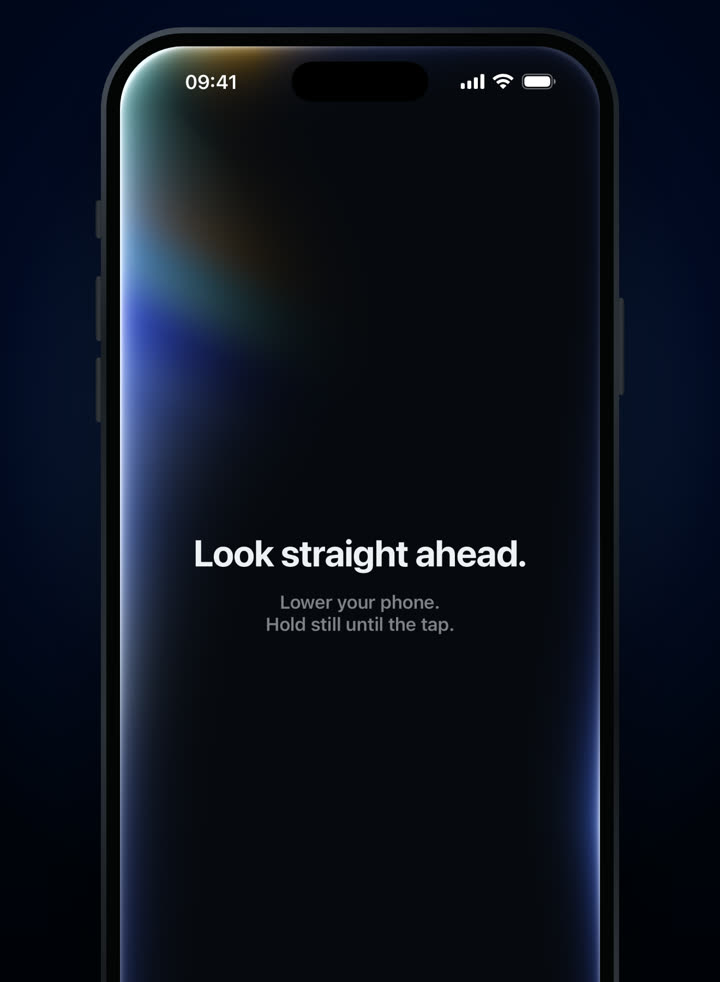
Set your natural position. 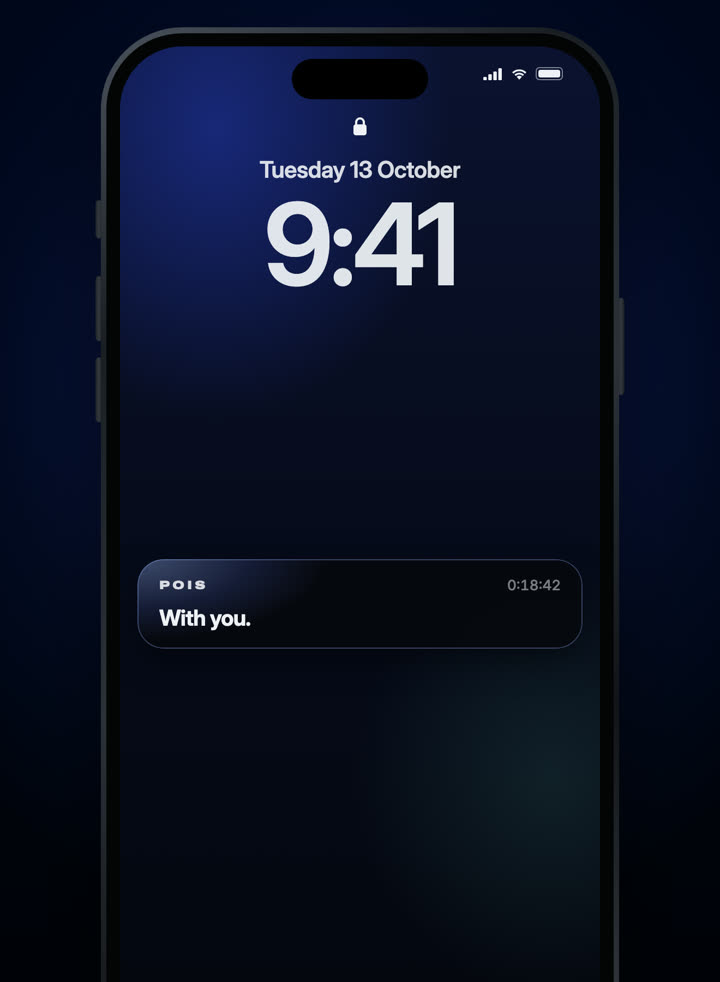
It keeps running, phone locked.
3-day free trial · Monthly or yearly, in your local price on the App Store.
Needs compatible AirPods and an iPhone with iOS 18 or later. Screens from the shipping app.