- Brace or harnessStraps hold or pull the shoulders back while worn.Shoulders, upper back
- Support garmentElastic or structured panels give a gentle tactile prompt.Shoulders, back
- Upper-back trackerA sensor notices rounding; a vibration tells you.Upper back
- AirPods reminderMotion sensors notice head tilt; a sound tells you.Head
- TimerReminds you on a schedule, whatever you’re doing.Senses nothing
Some products sit in between, such as a garment or strap with a sensor built in. Ask of each part: does it hold, or does it tell?
The left end changes your body’s position directly, whether or not you’re paying attention. The right end does nothing to your body at all; it gives you information and trusts you to use it. Most of the confusion in this market comes from treating the two ends as if they competed on the same terms.
The methods, plainly
Brace or harness
- What it actually does
- Straps pull or hold the shoulders back, or support the lower back, while you wear it. You feel it the whole time.
- What it can’t do
- Teach anything once it’s off, or know what you’re doing. A poor fit can be uncomfortable or restrictive.
- Who it may suit
- People who want physical support for limited periods, ideally chosen with a physical therapist.
Support garment
- What it actually does
- A shirt or top with elastic or structured panels gives a gentle tactile prompt across the shoulders or back.
- What it can’t do
- Measure anything or tell you when you’ve drifted. Designs differ a lot, and most claims come from manufacturers.
- Who it may suit
- People who would rather wear a layer than a strap or a gadget.
Upper-back tracker
- What it actually does
- A small sensor attached to the upper back notices when it rounds forward and vibrates. Usually paired with an app and statistics.
- What it can’t do
- Support you physically, or know what your head is doing. It’s another device to attach and charge.
- Who it may suit
- People who want feedback about the upper back specifically, on iOS or Android. UPRIGHT GO 2 and alternatives.
AirPods-based reminder
- What it actually does
- Reads head orientation from the motion sensors in compatible AirPods and plays a sound when your head stays tilted down. POIS is one example.
- What it can’t do
- Support or sense your back and shoulders. Needs an iPhone, compatible AirPods in your ears and a running session.
- Who it may suit
- People who already wear AirPods for much of the day.
Timer or break reminder
- What it actually does
- Interrupts you at set intervals so you stand, stretch or look away.
- What it can’t do
- Know whether you’ve actually drifted, so it often arrives at the wrong moment.
- Who it may suit
- People whose main need is getting up more often.
What to compare before you buy
| Brace or harness | Support garment | Upper-back tracker | AirPods reminder | |
|---|---|---|---|---|
| On your body | Straps around shoulders or torso | Worn as clothing | A small device on the upper back | Earbuds you may already wear |
| Fit | Matters a lot: sizing and adjustment | Sizing matters | Placement matters | Comfortable earbuds; a few seconds to set your position |
| What it senses | Nothing | Nothing | Upper-back movement | Head orientation |
| Feedback | Constant pressure | Gentle tension | Vibration | A sound |
| Through a workday | Usually advised for limited periods | Under clothes, if comfortable | Throughout, if charged | While the earbuds are in and a session runs |
| Upkeep | Washing; replacing when stretched | Washing | Charging; adhesives or a clip | Charging your AirPods, as usual |
| Cost model | One-time purchase | One-time purchase | Device purchase; the app is often free | Usually an app subscription or purchase |
A posture corrector is not a medical brace
Posture correctors are lifestyle products, sold to anyone. Orthopaedic braces are prescribed for specific conditions, fitted to a person and worn on a clinician’s instructions. They share a word and little else. Nothing on this page, our own app included, is a substitute for a support you’ve been prescribed: if you have one, follow the advice of whoever prescribed it.
What the evidence does and doesn’t say
Hospital for Special Surgery’s guidance, written with a physical therapist, describes posture correctors as a way to build awareness of your position. It suggests wearing one for a few hours a day at most, alongside strengthening exercise, and planning to stop eventually, comparing a corrector to training wheels. It also notes there’s no data showing which type works best.
For sensor-based devices, a 2026 systematic review of randomised and quasi-experimental studies found wearables potentially useful as a complement to physiotherapy, but concluded that the evidence is not yet strong enough for firm clinical recommendations. Follow-up periods were short, samples small, and blinding limited.
Feedback can plausibly help you notice. Lasting change hasn’t been shown convincingly, for braces, trackers or our own app.
So treat any promise of permanent correction, pain relief or prevention with suspicion, including from manufacturers. That isn’t a reason to avoid these tools; it’s a reason to choose one for what it plainly does.
Which approach fits your situation?
- You work at a desk all day
- Start with the screen and how often you move (our desk guide). If you still drift once you’re absorbed, add a reminder that reaches you during the work.
- A clinician recommended a brace
- Keep to that advice. A reminder app isn’t a replacement for prescribed support.
- You wear AirPods for hours anyway
- An AirPods-based reminder adds no gear. It covers only your head, so it’s for noticing when your head stays down.
- It’s your upper back you want feedback on
- An upper-back tracker senses that directly; earbuds don’t. Compare UPRIGHT GO 2 and its alternatives.
- You mostly need to get up more
- A simple timer may be all you need. It can’t tell where your head is, but for breaks it doesn’t have to.
- You’d rather not wear anything
- There’s plenty you can change without a device. Gentler ways to notice your posture.
- You have pain that isn’t going away
- See a doctor or physical therapist before buying anything.
Why a reminder is easier to live with
Braces ask you to put up with them. A good reminder asks almost nothing.
Nothing pressing on you
No straps under your arms, no tension across your shoulders, nothing to take off when you sit down to eat.
All day, not a few hours
Braces are usually advised for limited periods. POIS can run for a whole working session, phone locked, music playing.
You do the moving
A cue leaves the adjustment to you instead of holding you in place. Even the HSS guidance on correctors stresses your own muscles doing the work.
Invisible to everyone else
Nothing shows under your shirt, and the sound plays only in your ears.
One kind of reminder, up close
POIS sits at the feedback end. It holds nothing in place: when your head stays tilted down compared with your natural position, it plays one quiet sound in your AirPods, and a quick glance passes in silence. Tap to hear it.
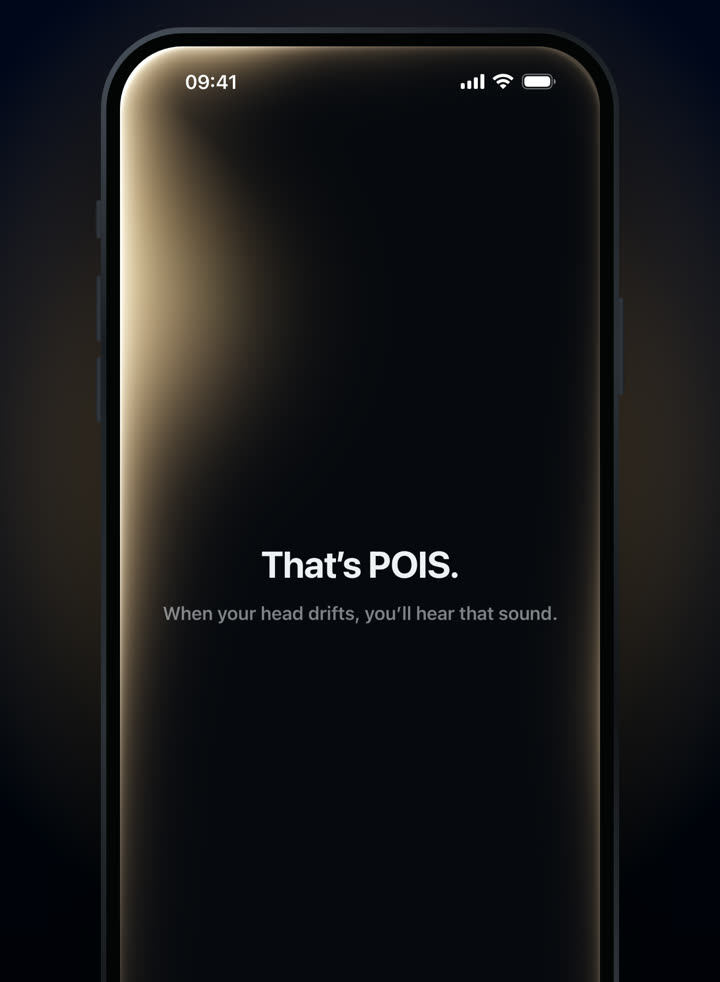
The shipping app, introducing its sound.
3-day free trial · Monthly or yearly, in your local price on the App Store.
It can’t support your back or shoulders, and it can’t sense them. Screens from the shipping app.
General information, not medical advice. POIS isn’t a medical device and doesn’t diagnose, treat or prevent any condition. If you have pain, numbness or a diagnosed condition, talk to a qualified professional.