Why people avoid camera posture apps
Camera apps estimate your posture from your silhouette. Many now process the images on your device, and say so in their listings, which is good. But the practical issues remain even when the privacy is handled well:
- The camera has to stay on, with its indicator light, for as long as you want reminders.
- You have to stay in frame. Turn to a second monitor, lean back, or stand up, and it loses you.
- It only works at that screen. Your phone on the sofa or the walk home isn’t covered.
- Workplaces vary. An always-on camera can be awkward in shared offices and on calls.
Camera-free options, and what each one handles
| Back-mounted sensor | AirPods with POIS | Timer | |
|---|---|---|---|
| What it senses | Upper-back movement | Head orientation | Nothing; it counts time |
| Data involved | Motion data from the device, synced to its app | Motion data from your AirPods, processed on your iPhone, never uploaded | None about your body |
| Other data | Check the app’s privacy label | App usage events with a random installation number (no motion data, no name) and subscription records; performance summaries only if you turn on Help improve POIS | Depends on the app |
| Extra gear | Yes, the sensor | No, if you own compatible AirPods | No |
| Knows if you drifted | Yes, for the upper back | Yes, for your head | No |
What to check before you trust any posture app
- The App Store privacy label. It lists what the developer says it collects, and whether anything is used to track you across other apps.
- Whether raw sensor data leaves your phone. “Processed on device” should mean exactly that.
- What’s optional. Anything beyond basic usage should be something you can switch off.
- What the app can’t see. A privacy-friendly app that only works in one chair may not be worth much.
Private by design
No camera
POIS never uses your camera. It works from your AirPods’ motion sensors.
Motion stays on your iPhone
Head motion is processed on the phone and never uploaded.
Opt-in research only
Performance summaries are shared only if you turn on Help improve POIS, and you can turn it off at any time.
A cue only you hear
Nothing on your screen for colleagues to see; one quiet sound in your ears.
Nothing watching, still noticing
No camera light, no window to stay in front of. Start a session, lock your phone, and POIS keeps going.
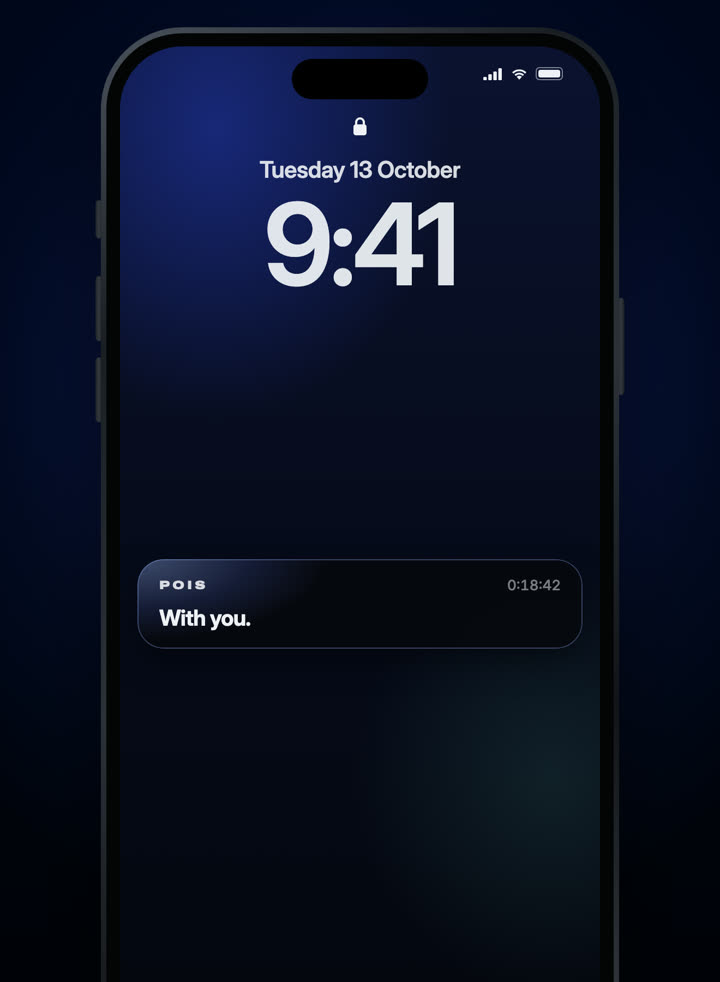
Running on the Lock Screen.
3-day free trial · Monthly or yearly, in your local price on the App Store.
Needs compatible AirPods and an iPhone with iOS 18 or later. Screens from the shipping app.