How it works, in four steps
- Put in your AirPodsAny compatible pair. POIS checks automatically when you open it.
- Set your natural positionTap Begin and look straight ahead for a few seconds. Not your best posture, just yours.
- Lock your phoneThe session keeps running on your Lock Screen. Music keeps playing.
- Hear it only when it mattersIf your head stays down, one quiet sound. Look up, carry on.
What it looks and sounds like
These are the real screens. The sound below is the real sound, the only one POIS makes.
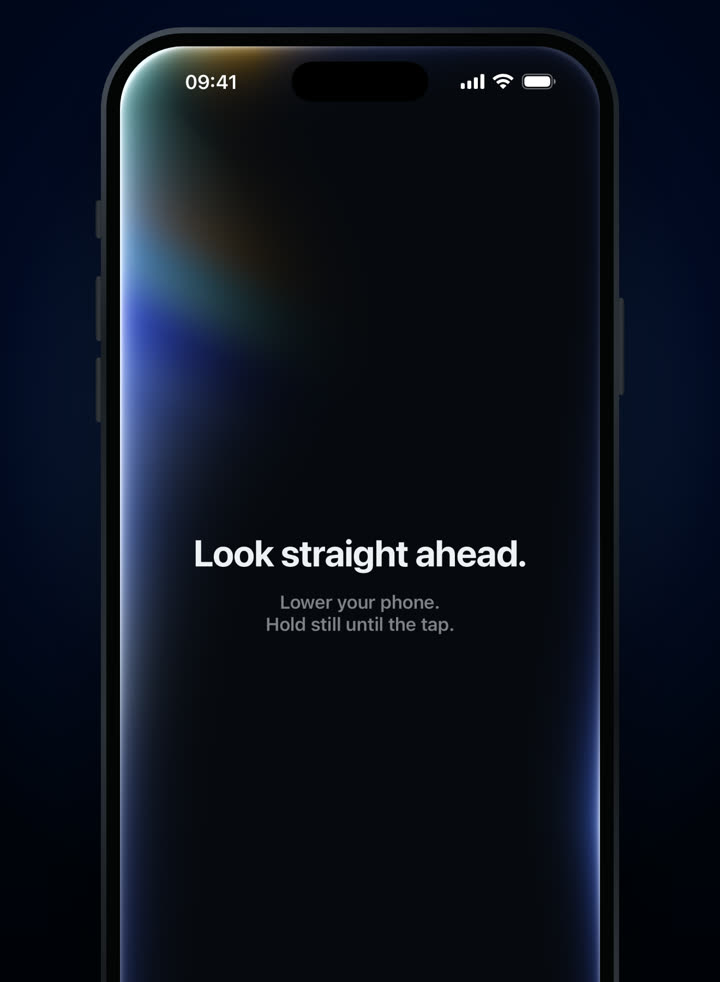
Step 2: look straight ahead. 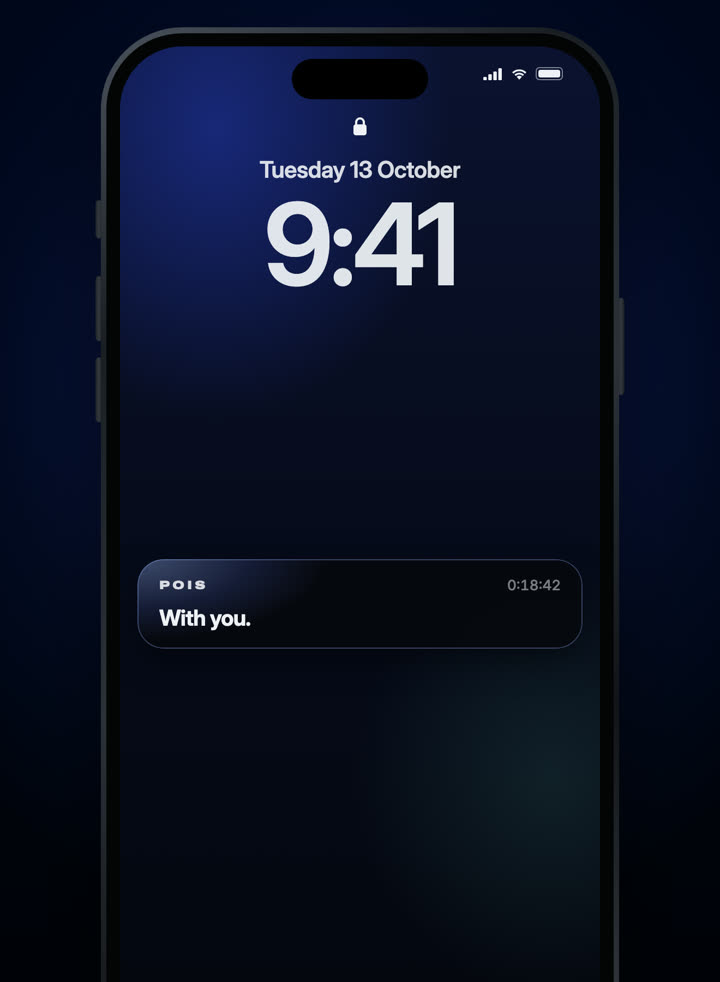
Step 3: phone locked, still on. 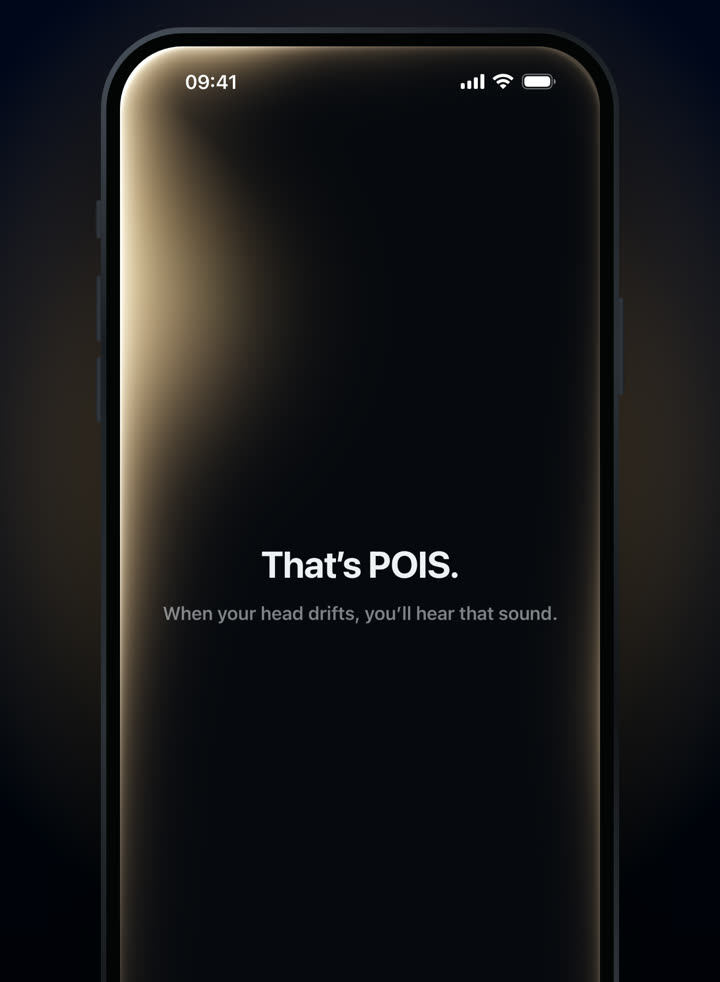
Step 4: the sound you’ll hear.
3-day free trial · Monthly or yearly, in your local price on the App Store.
Needs compatible AirPods and an iPhone with iOS 18 or later. Screens from the shipping app.
What it notices, and what it lets pass
You’ll hear POIS when…
- Your head stays tilted down toward a laptop, a book or the table for a while.
- You’ve drifted gradually without noticing, the way most of us do when absorbed.
It stays quiet when…
- You glance at a message, a menu or a map.
- You’re actively using your phone, or on a call.
- It isn’t sure. When in doubt, it says nothing.
AirPods report the orientation of your head. They can’t see your spine or shoulders, or how far your head has moved forward over your body. That’s why POIS is about head-position awareness, not a posture assessment. How AirPods sense head position explains the technology.
Which AirPods work
| Works with POIS | |
|---|---|
| AirPods Pro (all) | Yes |
| AirPods (3rd generation and newer) | Yes |
| AirPods Max | Yes |
| Beats Fit Pro | Yes |
| AirPods (1st and 2nd generation) | No: no head tracking |
| Other headphones | No, unless they support head tracking on iPhone |
Why it’s worth trying
You already own the hardware
No new device to buy. If your AirPods support head tracking, you’re set.
Only you hear it
The cue plays in your ears. No buzz, no screen alert, nothing for anyone else to notice.
It’s calm
No score, no streaks. Most of a session, you hear nothing at all.
Battery-light
In our testing, an hour-long session with the phone locked used about 1% of the iPhone’s battery.
Do I need Spatial Audio turned on?
No setting to change. POIS reads the motion data through Apple’s software when compatible AirPods are connected.
Does it work while I walk?
Yes. POIS is designed for sitting, standing and walking.
What if an AirPod shifts in my ear?
POIS may notice and suggest setting your position again. It takes a few seconds, and you can also do it any time from the ··· menu.
Is it a medical device?
No. POIS doesn’t diagnose, treat or prevent any condition.