A comparison by POIS. We make one of the options below and aren’t affiliated with BetterBack.
BetterBack alternatives: other ways to sit better, and to keep noticing
BetterBack works while it’s on and you’re sitting. The question is what you want for the rest of the day.
POIS Journal · · 3 min read
The short answer
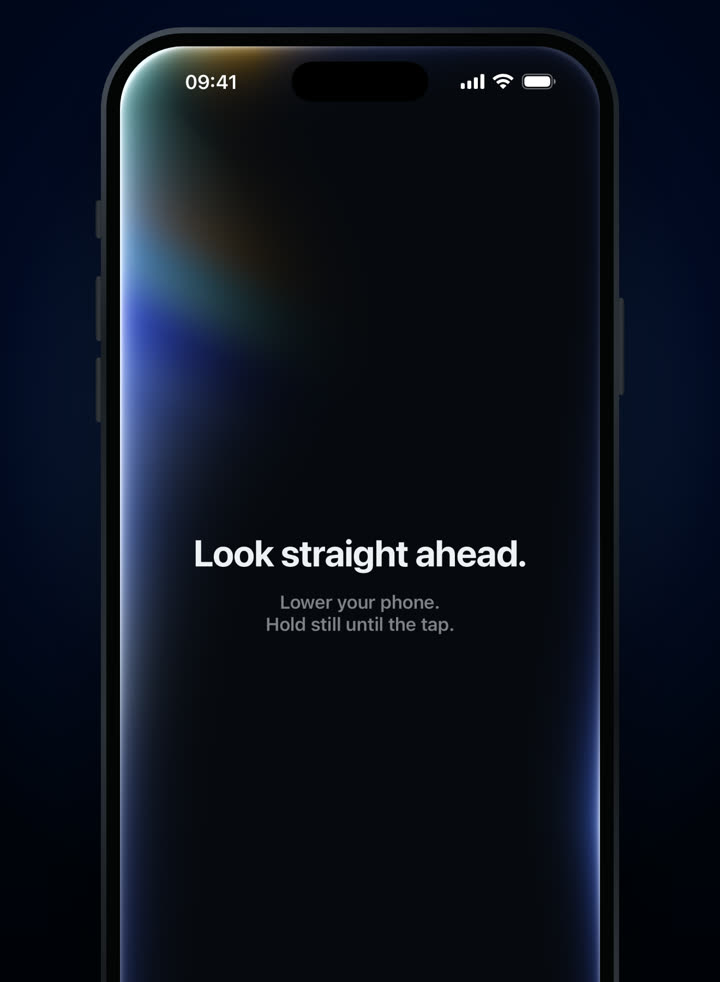
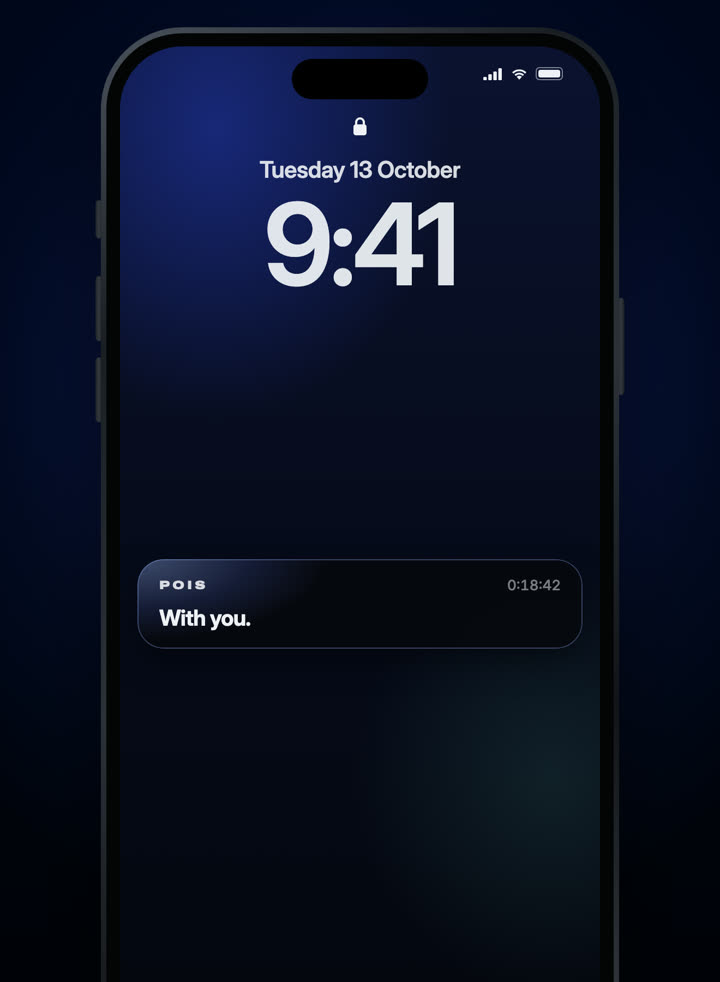
BetterBack is a seated support: a padded band around your lower back connected to straps over your knees, which holds your pelvis and lower back upright while you sit. It needs no charging, and its maker suggests using it for as little as 15 minutes a day. It only works while you’re seated and wearing it. Alternatives include a better chair or lumbar cushion, a sit-stand desk, regular movement, and reminders that notice when you drift. If you want something that follows you off the chair as well, an AirPods-based reminder like POIS covers your head position while sitting, standing and walking.
What BetterBack is good at
It turns almost any chair into a supported seat, packs small, and has no electronics: no app, no charging. For a long flight, a hard dining chair or a study session on the sofa, that’s genuinely useful. Independent reviewers have also noted it can get uncomfortable on the knees or warm after a while, which is why short sessions are the norm.
On evidence: a small 2019 study (18 people analysed, no control group, 14 days) found less pain while using the support, but pain without it on day 15 wasn’t significantly better. Immediate support and lasting change are different outcomes.
The alternatives
Seat setup
A supportive chair or lumbar cushion
Good at
Support without wearing anything; always there at your desk.
Limits
Stays at one desk. Doesn’t help on the sofa, in transit or at someone else’s table.
May suit
People who mostly sit in one place.
Workstation
Sit-stand desk
Good at
Makes changing position easy, which most guidance favours over any single posture.
Limits
Cost and space; only helps if you actually switch.