The loop
- SenseA sensor measures something: back angle, head orientation, muscle activity.
- SignalWhen it changes in a way that matters, you get a cue: vibration, sound or light.
- NoticeThe cue turns something you couldn’t feel into something you can.
- AdjustYou move. The sensor sees the change, and the loop starts again.
Kinds of posture feedback
| Vibration | Sound | Visual | |
|---|---|---|---|
| Example | A buzz from a sensor on your upper back | A tone in your earbuds | A screen alert, or the screen dimming |
| Who notices | Only you | Only you, if it plays in your ears | Anyone looking at your screen |
| Works when | The device is attached and charged | Your earbuds are in | You’re looking at the screen |
| Risk | Easy to tune out if it buzzes often | Must be gentle enough not to startle | Interrupts what you’re doing on screen |
What makes feedback useful, or ignored
The loop only works if you keep responding. In a workplace study of posture wearables, participants’ diaries described cues that came often or at awkward moments being increasingly ignored. That points to three design rules that matter more than the sensor itself:
- Speak rarely. A signal that fires at every small movement becomes noise.
- Speak at the right moment. Sustained drift is worth a cue; a glance isn’t.
- Be pleasant to hear. A cue you dread is a cue you’ll switch off.
What biofeedback can’t do
Cleveland Clinic describes clinical biofeedback as something that complements medical care rather than replacing it. Consumer posture feedback is narrower still. A 2026 systematic review of wearable posture devices found short-term promise but not enough evidence for firm clinical recommendations. Nobody has shown that a few weeks of cues permanently retrains your muscles; the honest claim is that feedback helps you notice, while you use it.
POIS: the loop, made quiet
POIS is built around those three design rules.
Sense
Head orientation from compatible AirPods, compared with your own natural position.
Signal, rarely
Glances pass in silence. One quiet sound only when your head stays down.
A sound worth hearing
A short, considered cue, not an alarm. Your music dips for a moment, then carries on.
No scoreboard
The loop ends with you looking up, not with a grade.
Hear the signal
This is the whole “signal” step in POIS: the sound you hear when your head has stayed down.
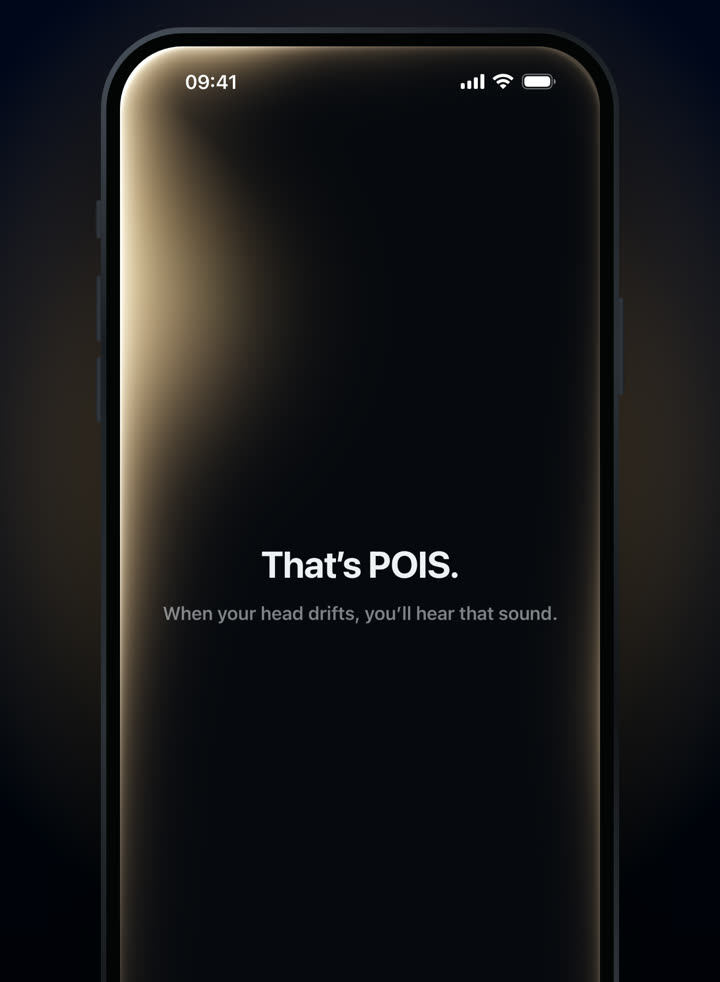
The shipping app, introducing its sound.
3-day free trial · Monthly or yearly, in your local price on the App Store.
Needs compatible AirPods and an iPhone with iOS 18 or later. Screens from the shipping app.