The few seconds that matter
- Settle firstSit or stand the way you will for the session. Breathe out; let your shoulders drop.
- Lower your phoneHolding it up to read pulls your head down. Rest it in your lap or on the desk.
- Look straight aheadAt something at eye level, further away than your screen if you can.
- Hold still until the tapA few seconds. Then you’re set.
What you’ll see
This is the real setup screen. Once you feel the tap, lock your phone and carry on.
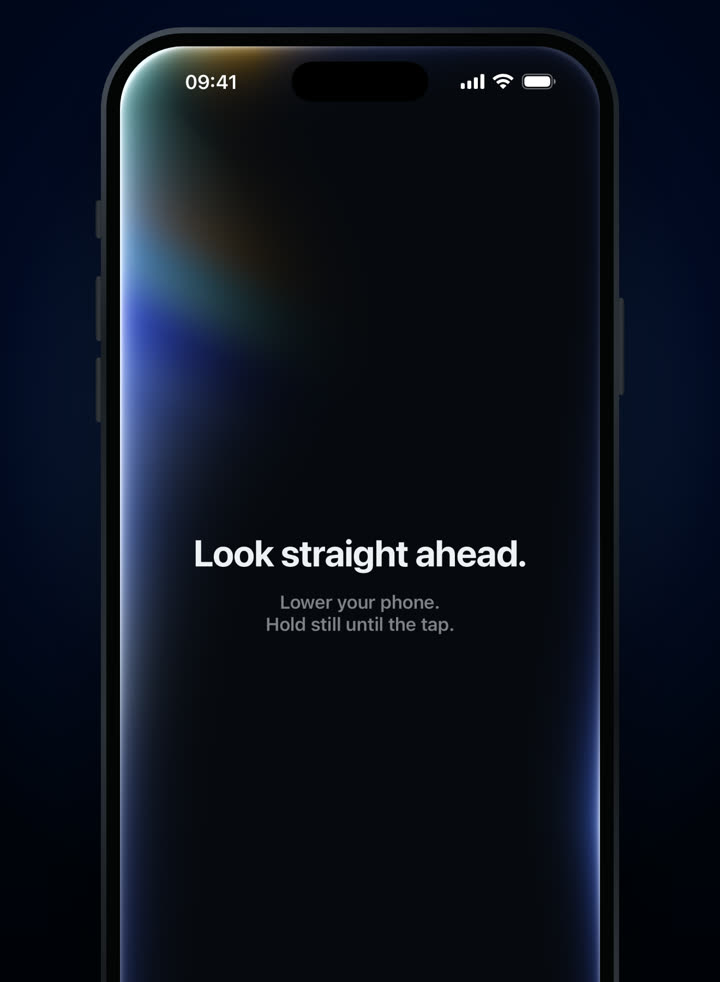
“Look straight ahead.” 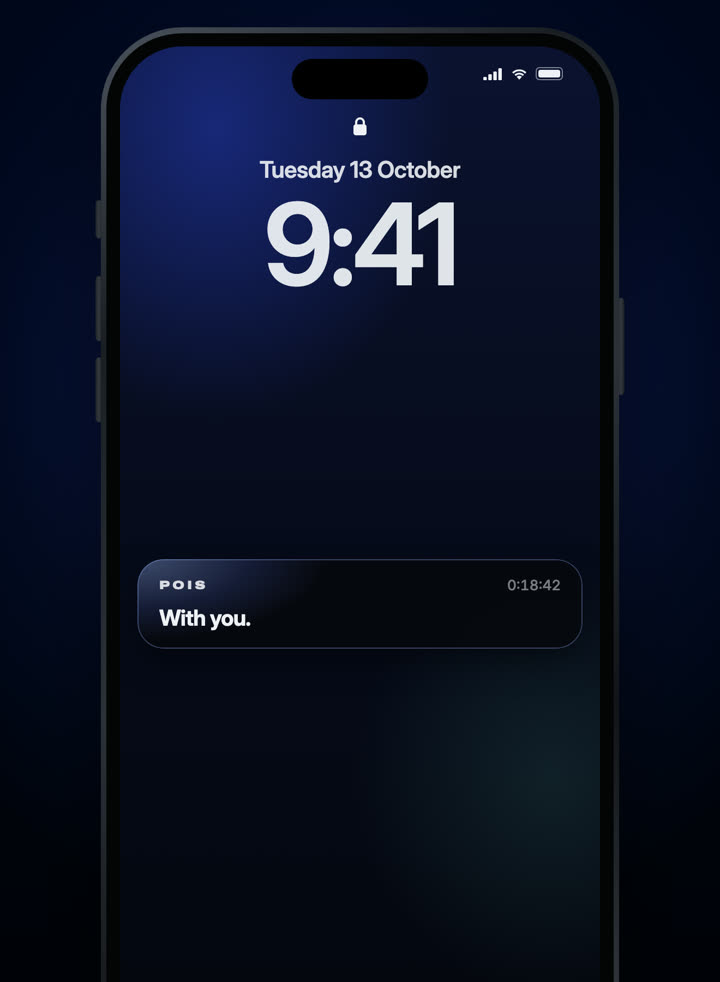
Then it runs in the background.
3-day free trial · Monthly or yearly, in your local price on the App Store.
Needs compatible AirPods and an iPhone with iOS 18 or later. Screens from the shipping app.
Common mistakes
- Posing. Sitting extra tall for the setup makes your ordinary position look like drift. Natural beats perfect.
- Looking at the phone. If you read the screen during setup, your reference starts tilted down.
- Setting it once for the whole day. Desk, sofa and walking are different. A new activity is a good time to set it again.
- Ignoring a shifted AirPod. If an earbud moves, the reference no longer matches. POIS may suggest resetting; do it.
When to set it again
- An AirPod moved in your ear
- POIS may notice and suggest it. You can also reset any time from the ··· menu.
- You switched one AirPod to the other ear
- POIS may ask you to set your position again. A few seconds.
- You moved from desk to sofa, or started walking
- A fresh reference helps it match what you’re doing now.
- The sound plays when you feel fine
- Your reference may have been set while looking down. Set it again, looking ahead.
Why POIS starts with you
Your position, not an ideal
People hold their heads differently. POIS learns where you look ahead.
Seconds, not a routine
No calibration poses, no tutorials. Look ahead, feel the tap.
Easy to redo
Reset any time from the ··· menu during a session.